Welcome to MIE Forms

MIE Forms is a comprehensive solution for creating and rendering FHIR-compatible questionnaires. Built as a monorepo with three core packages, it provides everything you need to build dynamic, conditional forms with export capabilities.

Packages Overview

🎨 Forms Editor (@mieweb/forms-editor)

A full-featured questionnaire editor with:

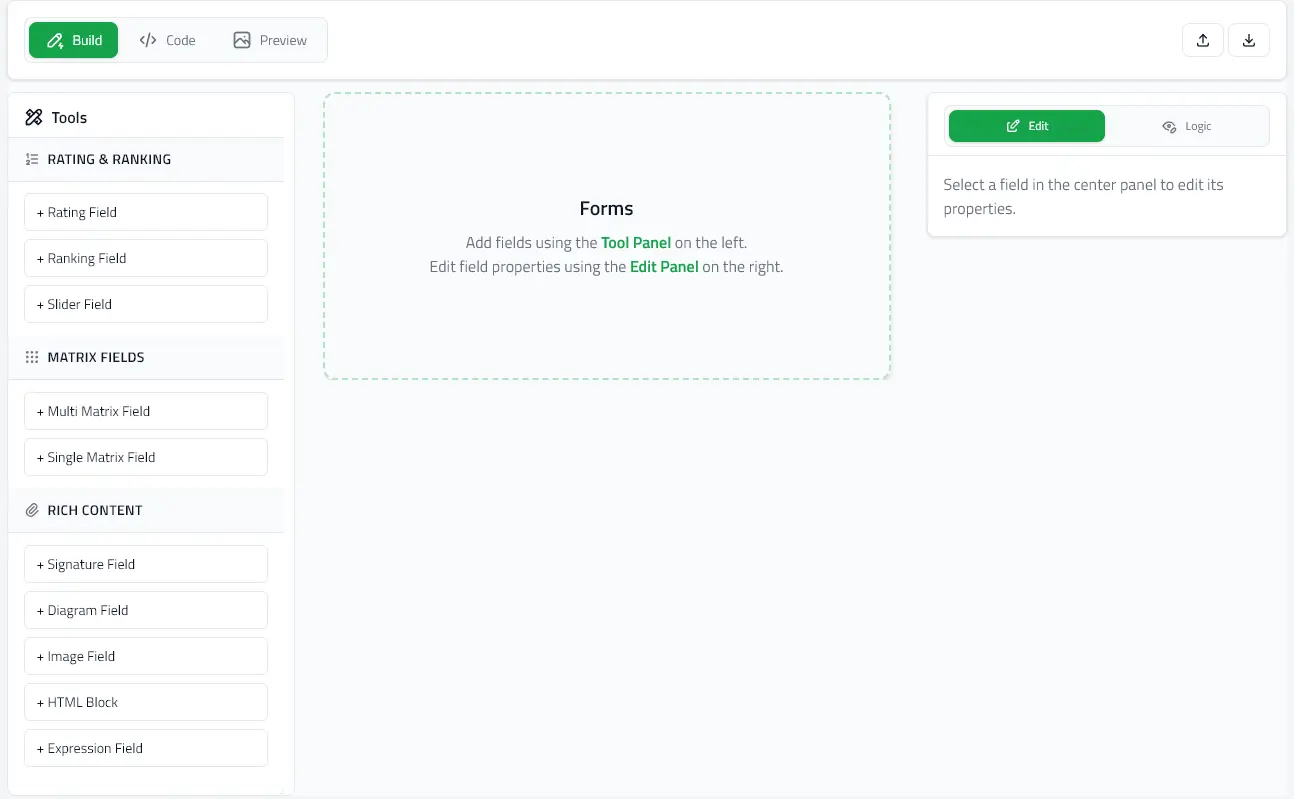
  • Visual form building interface with live preview
  • Monaco code editor integration (JSON/YAML)
  • Field property editing
  • Preview mode toggle
  • SurveyJS import support

Perfect for: Building form creation tools, admin panels, and form management systems.

📝 Forms Renderer (@mieweb/forms-renderer)

A lightweight renderer for displaying and filling out questionnaires:

  • React component
  • Standalone Web Component (no React required)
  • Blaze/Meteor component
  • Get a QuestionnaireResponse from current answers
  • Schema auto-detection (MIE Forms or SurveyJS)

Perfect for: Patient portals, survey applications, data collection forms.

⚙️ Forms Engine (@mieweb/forms-engine)

The core state management and field components powering both editor and renderer:

  • Zustand-based state management
  • Pre-built field components (20+ types)
  • Conditional logic (enableWhen)
  • Schema adapters for MIE Forms and SurveyJS

Note: This package is primarily used internally by the editor and renderer. Most users won't need to install it directly.

Quick Start

Choose your starting point based on your needs:

Key Features

FHIR-Compatible - Built on the FHIR Questionnaire standard
Conditional Logic - Show/hide fields based on answers using enableWhen
Multiple Schemas - Supports MIE Forms and SurveyJS formats
YAML & JSON - Import/export in multiple formats
Type-Safe - Full TypeScript support
Flexible Deployment - React components, Web Components, or standalone HTML

Installation

For rendering forms

npm install @mieweb/forms-renderer

For building form editors

npm install @mieweb/forms-editor

Note: React 18+ and React DOM 18+ must be installed in your project (except for standalone and Blaze integrations).

Next Steps